Why Your Neck Hurts From WFH Even With a Good Chair
An ergonomic chair gets bought as the fix for persistent neck pain during long WFH days, since it’s the most visible, most marketed piece of home office equipment. But a monitor positioned too low forces the neck into a forward-tilted position for hours at a time regardless of chair quality, and that head angle is a more direct cause of neck strain than seat support.

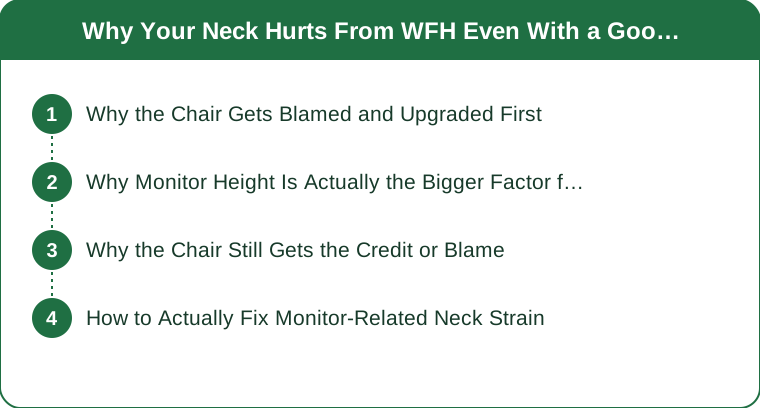
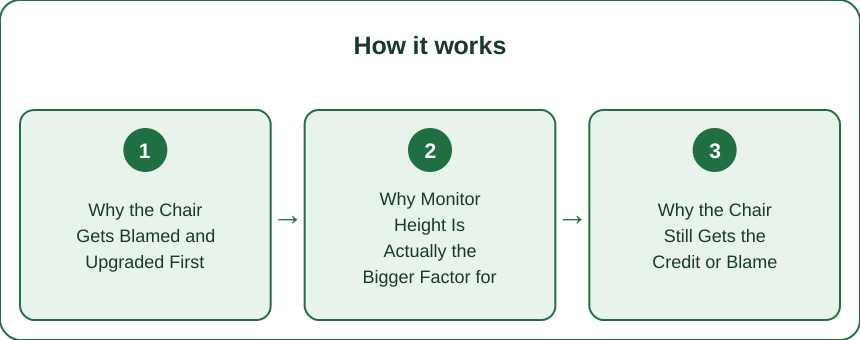
Why the Chair Gets Blamed and Upgraded First
The visible-investment logic: an ergonomic chair being the most prominent, most heavily marketed home office purchase, which makes it the natural first thing to upgrade when back or neck discomfort shows up during long work days.
Why Monitor Height Is Actually the Bigger Factor for Neck Pain
The postural mechanics: a monitor positioned below eye level forcing the neck to tilt forward and down for hours to keep the screen in view, and that sustained forward head posture loads the neck and upper back muscles far more directly than seat cushioning or lumbar support ever could, regardless of how good the chair itself is.

Why the Chair Still Gets the Credit or Blame
The overlap: a new chair often does bring some genuine relief, since better lumbar support helps overall sitting posture, which makes it easy to credit the chair fully for improvement, even when the monitor is still sitting too low and continuing to strain the neck specifically.
How to Actually Fix Monitor-Related Neck Strain
The practical fix: raising the monitor, using a stand, riser, or stacked books, until the top of the screen sits at or just below eye level, so the neck can stay in a neutral position without tilting down, and the frame (a low monitor forces sustained forward head posture regardless of chair quality — raising it to eye level is what actually resolves neck strain a chair upgrade can’t fix.)
An ergonomic chair gets bought as the fix for persistent neck pain during long WFH days, but a monitor positioned below eye level forces the neck to tilt forward and down for hours, and that sustained head posture loads the neck muscles far more directly than seat cushioning ever could. A new chair often does bring some genuine relief to overall sitting posture, which makes it easy to credit the chair fully even when the monitor is still sitting too low. Raising the monitor until the top of the screen sits at or just below eye level is what actually resolves the neck strain a chair alone can’t fix.
Keep Reading
This article is for general informational and styling purposes only. Fit, sizing, and product availability may vary.